It gets it ready.
Reads each invoice, codes it, and flags what is missing.
match · code · flagIt preps the books weekly in QuickBooks. When bank feeds launch, it checks them against the bank. Your client approves. You review at month-end. It never moves money.
It prepares. You approve. It never moves money.

You already do this for the small businesses you serve. Each one has its own invoices, its own vendors, its own bank. The work repeats, and it lands on your people.

Your clients run shops, crews, and job sites. The assistant meets them where they are: on a phone, at the office, on site.



Three steps. The amber step is a person. Nothing goes past it without a yes.
Reads each invoice, codes it, and flags what is missing.
match · code · flagA short list in their HQ: approve, fix, or hold. Only the client approves bills and payments.
approve · fix · holdYour dashboard will show every client: holds, overdue, uncoded. You review at month-end.
Firm dashboard: Planned
We label what is in pilot, what is planned, and what is still being designed. No live claims we can't back.
Reads bills, invoices, and the books. Read-only to start.
Connect the client's bank and cards so the agent can check what cleared. On the roadmap, not live.
A read-only view of payouts and invoices the client was paid. On the roadmap, not live.
A simple approve screen for each client, in your firm's colors.
Bills and receipts by email or photo land in one place per client.
Plaid and Stripe are only windows: read-only, and both on the roadmap. The decision engine is the single decision-maker looking through all of them. A person says yes. Then, and only then, a draft is prepared. Everything is logged.
Answers fixed, typed questions about each item (what is this, does it match, should a person look) with a confidence and a reason. It cannot act, and it can still be wrong, so a person approves.
Language-model agents that do the multi-step work: fetch, read, file, and draft. They ask the decision engine and never decide alone. Everything they prepare waits for a yes.
Approved on Friday, cleared on Monday, or not.
A deposit lands. The assistant suggests which invoice it belongs to. A person confirms.
Bank lines with no category get a suggested one, with a reason.
Interactive example · sample data · Plaid, Stripe, and the firm-wide flow are ROADMAP (planned). The decision step has been tried on sample support tickets, not on bookkeeping. RUNNING = running today, internally or for one pilot client · TESTED = sample or sandbox data only · ROADMAP = planned, not built.
Two Plaid products only, both planned: Transactions (what cleared) and Balance (cash on hand). Auth and Transfer, the parts that set up or move payments, are out of scope by design. Stripe is a read-only view of payments received, also planned. Bank coverage is checked per client, per bank, when bank feeds launch.
The permission ladder is short on purpose. The agent reads and drafts. People decide.

Your client keeps the final yes. You keep the relationship.
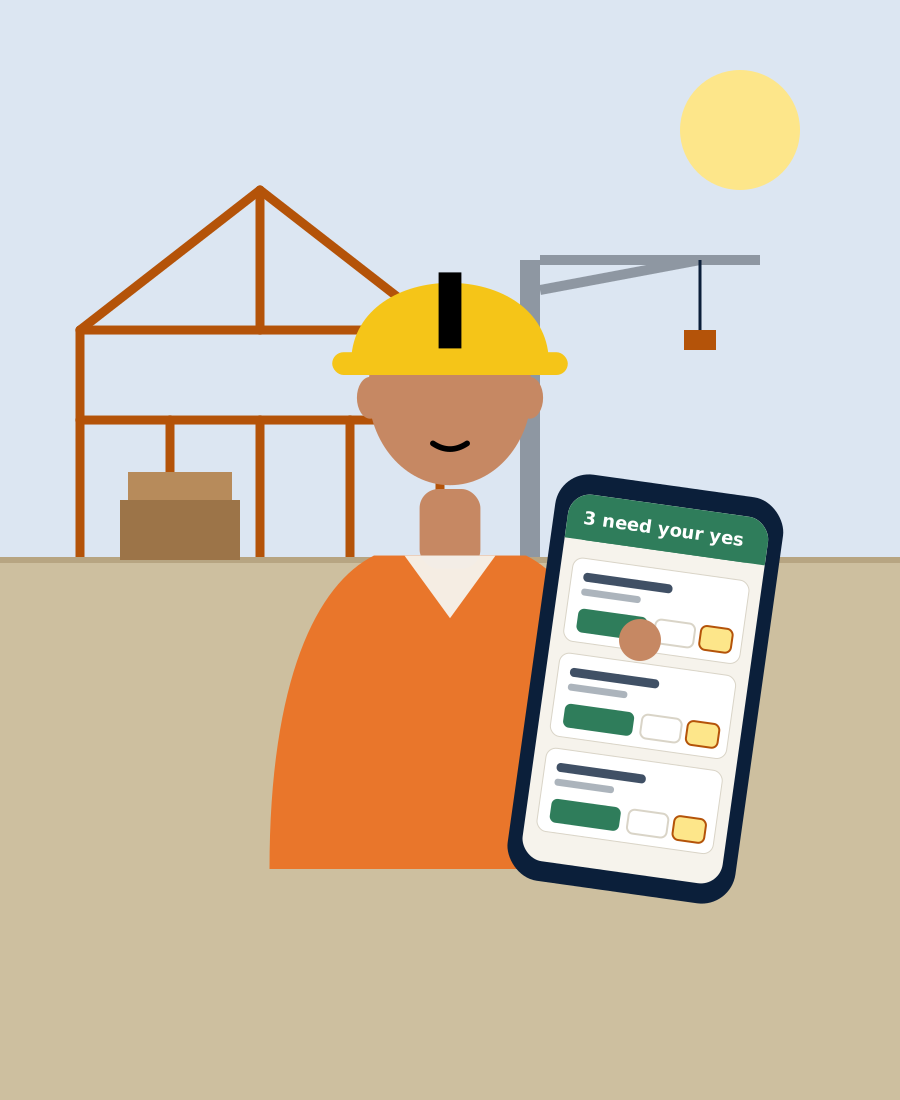
Each client gets their own HQ with their own data. It shows only what needs a yes. Everything else is a one-line count.
12 more are ready and need nothing from you.
Example screen · sample data · themes are illustrative and use no real firm's logo. Whether "powered by" shows is the firm's choice on a paid tier: [PLACEHOLDER: TBD]
Six short pieces. The rule: only what needs a yes; everything else is a one-line count.
Example, not client data. Payees and amounts are sample.
Example screen · sample data · Planned
| Client | Holds | Overdue | Uncoded |
|---|---|---|---|
| Sample Builder Co. | 2 | 1 | 3 |
| Sample Café LLC | 0 | 0 | 1 |
| Sample Salon Inc. | 1 | 2 | 0 |
You review the exceptions. Your client makes the calls.
We run it in shadow mode first: it prepares, and the client works as usual. Then assist mode. We measure time and accuracy together.
Connect QuickBooks read-only. Name the client's one approver. Collect the chart of accounts and payee list.
The agent prepares every week. The client works as usual. We compare the two.
The client reviews the agent's list instead of building it. You review at month-end.

We are running the first pilot with a custom home builder.
It is set up the same way as everything on this page: the owner says yes, a person reviews every new rule before it is trusted, and nothing goes out without a yes.
Results will be shared when measured.
Not in the first version. It reads. Any write would be a separate, opt-in feature with an approval step.
No. Payment stays with your client.
Nothing goes out without a yes. Every correction teaches it, and a person reviews any rule before it is trusted.
Each client has their own HQ and their own data. You see your own clients. [PLACEHOLDER: legal terms TBD]
Yes. Clients see your name and colors. "Powered by" is a choice. [PLACEHOLDER: decision pending]
The one decision-maker inside the system. It answers fixed questions about each item and gives a confidence and a reason. It cannot act, and a person approves every proposal. It has been tried on sample support tickets, not yet on bookkeeping.
It depends on the bank. We check per client when bank feeds launch. Bank feeds through Plaid are planned, not live.
Pilot terms are being set. Ask us. [PLACEHOLDER: pricing TBD]
QuickBooks reading is in pilot. Bank feeds (Plaid), payment views (Stripe), and the firm-wide dashboard are planned.
Bring one or two clients in mind. We will show you the approve list and talk through a pilot.
It prepares. You approve. It never moves money.